What Is Patch Digitizing?
Digitizing is the step that turns a picture into instructions. An embroidery machine cannot read a logo; it needs to be told where to put every stitch, in what order, in which direction, and how densely. A digitizer makes those decisions and writes them into a file the machine follows.
- Input
- Artwork
- Output
- Stitch file
- Requires
- Human judgment
It is not a scan. It is a production plan.
The name is misleading, because nothing is being scanned or converted. It is closer to writing a set of instructions for making the design by hand, except the hands are a machine.
The confusion with vector art is worth clearing up, because it costs people time. A vector file describes shapes with mathematical paths, which is what a printer, a cutter or a laser needs. A stitch file describes a sequence of needle penetrations, which is what an embroidery machine needs. One cannot be substituted for the other. Software can convert between them automatically and the result is reliably poor, for the same reason auto-translated text is poor: the conversion is mechanical and the job requires judgment.
That judgment is what the digitizing step accounts for, and it is included with a patch order. A digitizer decides the underlay that stabilizes the fabric before the visible stitching goes on, the direction each area runs so light catches it the way the design intends, the density that fills without puckering, the sequence that decides what sits under what, and the pull compensation that accounts for fabric distorting under the needle. Get those wrong and the patch is technically the right design and visibly wrong.
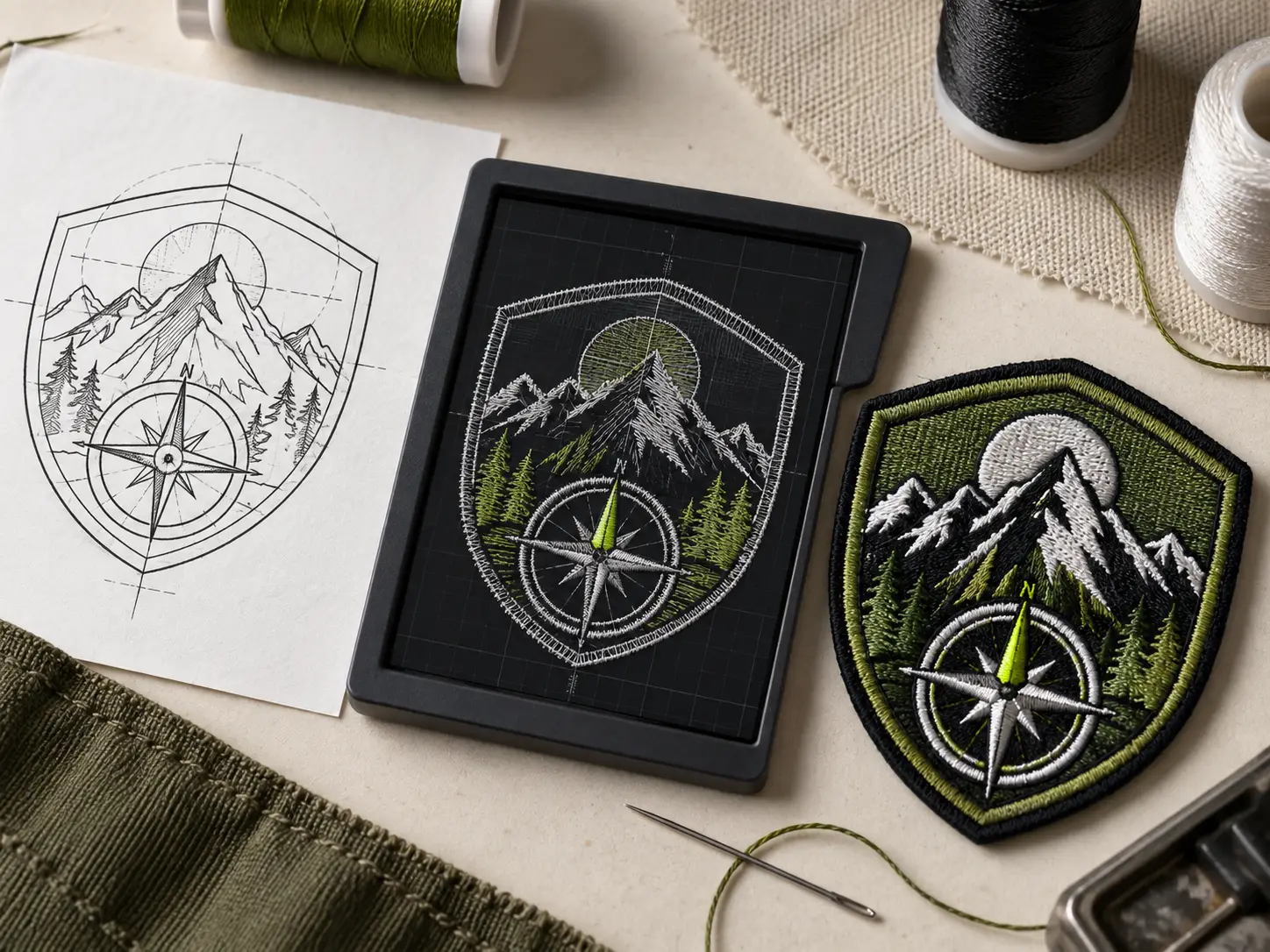
Four views of the transformation.
These examples make each state visible: source art, a cleaned drawing, a stitch plan, and the physical sew-out. They are not interchangeable file versions. Each step adds production decisions, which is why a clean logo still needs digitizing.

Source artwork
The source artwork as supplied, in whatever state it arrived. This is a picture: pixels or shapes, with no information about how anything would be made.
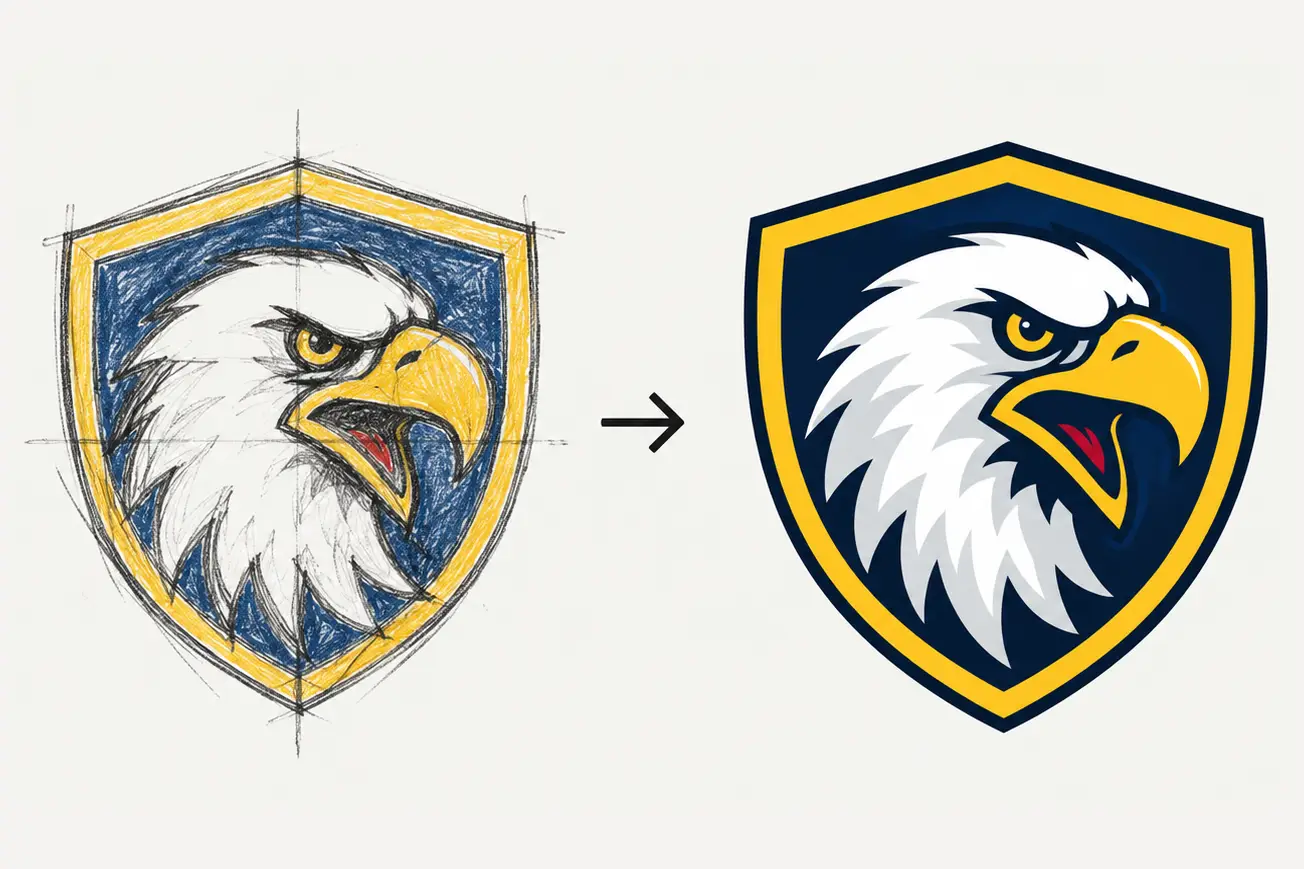
Cleaned drawing
The cleaned and simplified drawing, with detail that cannot be sewn resolved deliberately. Still a picture, but one that could be made.

Stitch plan
Every shape has been assigned a stitch type, a direction, a density and a place in the sequence. This is instructions, not a picture.

Sew-out
The sewn result on the confirmed surface, which is what the plan was written for. A different surface would need a different plan.
What a Digitizer Actually Decides
These are the choices a digitizer makes, and the reason two digitizers given the same logo produce visibly different results. None of them is visible in the artwork you send, and all of them are visible in the finished patch.
| Decision | What it controls | What goes wrong without it |
|---|---|---|
| Stitch type | Whether a shape is a satin column, a fill, or a running line, which determines its texture and sheen. | A satin used beyond its practical width snags and loops; a fill used on a thin shape looks heavy and flat. |
| Stitch direction | The angle the stitches run, which is what makes thread catch light and gives embroidery its depth. | Everything running the same way looks flat and machine-made, and shapes that should read as separate blend together. |
| Density | How close the stitches sit, which determines coverage and how much thread the design uses. | Too loose and the base shows through; too tight and the fabric puckers or the needle breaks. |
| Underlay | The stitches placed underneath the visible ones to stabilize the fabric and give the top layer something to sit on. | Without it, the fabric shifts as it is sewn and the top stitching sinks into the base rather than sitting on it. |
| Sequence | The order shapes are sewn, which decides what sits under what and how many color changes the run needs. | A badly sequenced file moves the fabric around too much before the last elements go down, and everything drifts. |
| Pull compensation | How much shapes are extended to allow for the fabric drawing inward as stitches go in. | Gaps appear between colors that should meet, which is the most common visible fault in a poorly digitized patch. |